
A speedometer app that works without internet.
GPS is a radio signal from satellites, not a data connection: no wifi, no cellular, no signal bars. Torq reads speed, distance and route from it directly, records the drive on the phone, and analyzes it there. Airplane mode with location on is enough.
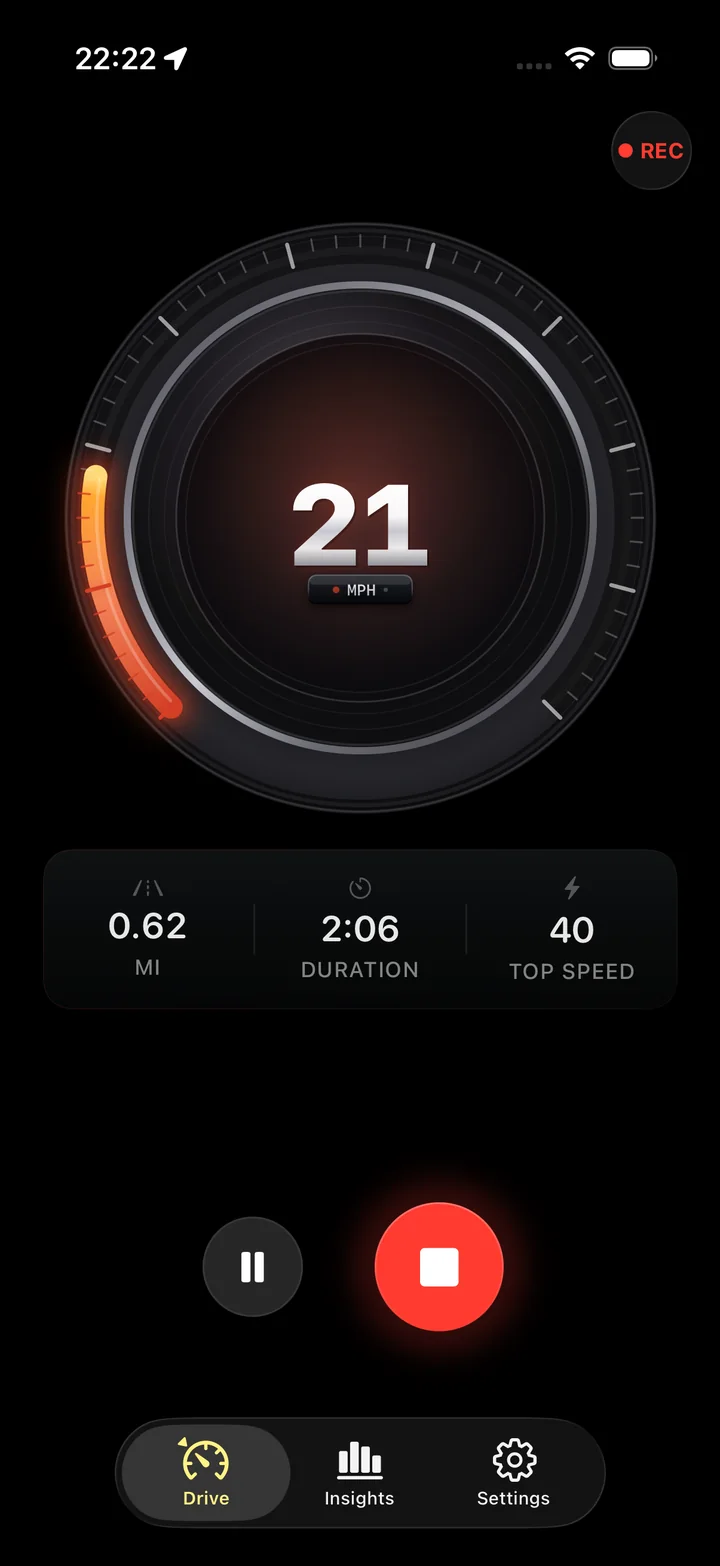
What works with no connection at all
Taking the train through areas with little mobile coverage? Check how carriage reception and tunnels affect the reading. Use a train speedometer
The satellites do not know you have no signal bars.
A GPS receiver computes speed from the Doppler shift of satellite signals, on the phone, with no network involved. That is why a phone in airplane mode with location services on still reports speed. Torq records each fix, filters it, and builds the trip from it, all locally.
Trips are stored in a database on the phone and analyzed there. The score, the corners, the comfort and road grades and the replay never touch a server. Nothing is queued to upload later, because nothing is uploaded at all.
- Recording continues with the screen locked, in a tunnel-free dead zone, on a mountain road with no coverage.
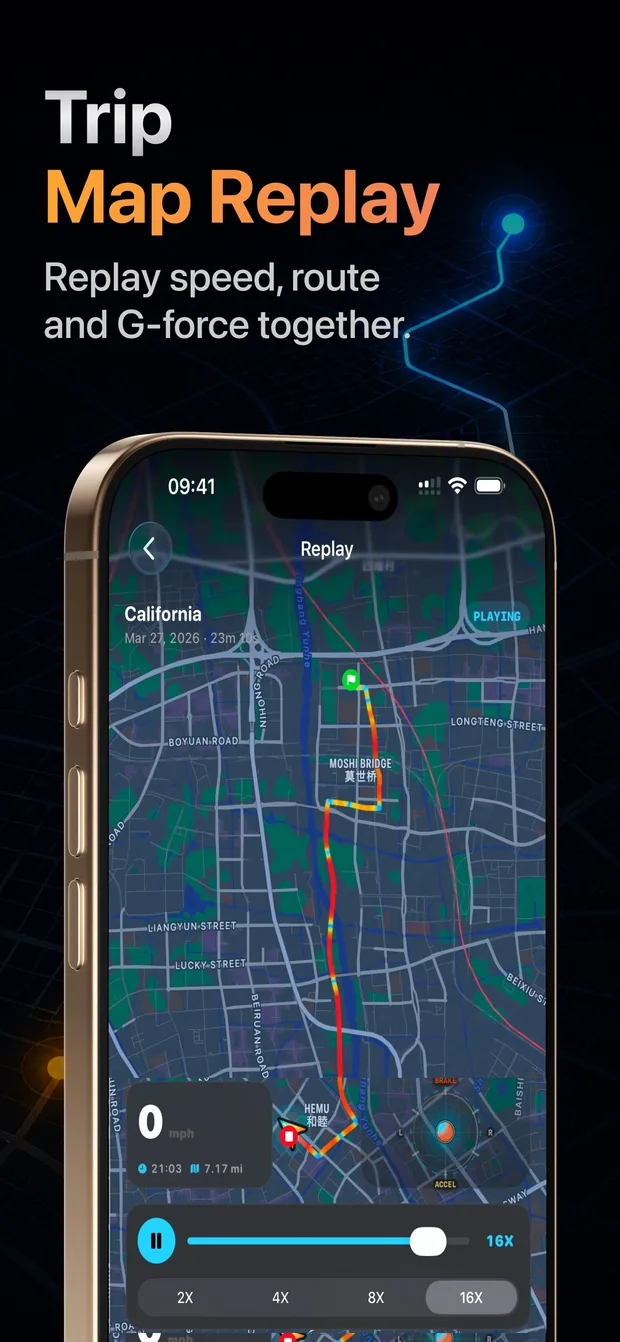
- The replay map draws the route over whatever tiles are cached; the route itself is never missing.
- Exports are written to the phone and shared through the iOS share sheet.
The one thing that needs data, and how it fails
The speed-limit alert asks OpenStreetMap for the posted limit of the road you are on. Without a connection it cannot ask, so the limit shows as unknown and the alert stays quiet. The gauge, the recording and everything else continue. A manual limit typed into settings works with no connection, because there is nothing to look up.
Why an offline speedometer is the honest kind
Some speedometer apps derive speed from a map-matched position, which needs tiles and a route, and some fall back to a cell-tower estimate when GPS is weak. Torq does neither. If there is no GPS fix, the gauge shows no reading rather than a guess, which is what a tunnel or a parking garage looks like in the app: a marked gap, not a made-up number.
Battery, not bandwidth
The thing to plan for on a long offline drive is power, not data. GPS at high accuracy is the most power-hungry thing a phone does. Use a car charger, or set GPS Accuracy to Balanced in settings; the speedometer is just as usable either way.
A trip without mobile data still needs a power plan for the screen and recording. Plan for GPS battery use
Questions
Does Torq work without an internet connection?
Yes. The speedometer, distance, duration, recording, the scorecard, the corner analysis and the replay run on the phone with no connection. Only the speed-limit lookup needs data; without it the limit shows as unknown.
Does GPS work without a data plan or SIM?
Yes. GPS is received from satellites by the phone's own receiver and needs no SIM, no data plan and no Wi-Fi. A phone with no carrier at all still gets a fix outdoors.
Does it work in airplane mode?
Yes, as long as location services stay on. iOS keeps GPS available in airplane mode; Torq records normally. The speed-limit alert cannot look anything up, so leave it off or set a manual limit.
Will the map in the replay show without a connection?
The route, the speed coloring and the corner markers are stored on the phone and always draw. The map tiles under the route come from Apple Maps and appear if they were cached, so a road you have looked at before shows its map; a brand-new area may show the route over a plain background until you are back online.
Does the app upload my trips when I am back online?
No. There is no upload at any time. Trips stay on the phone until you choose to export or share one.
Is offline speed as accurate as online speed?
Identical. The speed comes from the GPS receiver either way; a network connection plays no part in it. What matters is a clear view of the sky, not signal bars.
Signal bars optional.
Mount the phone, press Start, and the drive records wherever the road goes. The satellites are always in range.