
Elevation gain vs altitude: the climb and the height.
Altitude tells you how high you are. Elevation gain adds the uphill sections along your route. You can return to the same parking spot with no net height change and still have climbed several hills. Torq keeps the elevation chart and accumulated climb with the recorded trip.
On this page
One loop, different answers
Consider this simplified route in meters, with each leg climbing or descending continuously. It starts at 100, reaches 200, drops to 150, climbs to 220, then returns to 100. This is an arithmetic example, not a Torq test recording.
| Leg | Height change | Added elevation gain |
|---|---|---|
| 100 m to 200 m | +100 m | 100 m |
| 200 m to 150 m | −50 m | 0 m |
| 150 m to 220 m | +70 m | 70 m |
| 220 m to 100 m | −120 m | 0 m |
The route gains 170 meters in total. Its highest point is 220 meters, its final altitude is 100 meters, and its net change is zero. Subtracting the lowest height from the highest gives 120 meters, which misses the second climb. Descending does not subtract from accumulated gain.
Choose the number that answers your question
These figures describe the same journey from different angles. They are useful together, but they are not interchangeable.
How high did the route go?
Look at maximum elevation. This identifies the highest recorded height, even if the road reached it through one long climb or many smaller ones.
How much uphill travel was recorded?
Look at elevation gain. Repeated climbs add together, including climbs over ground you already covered earlier in the trip.
Where were the climbs?
Read the elevation chart. A total cannot tell you whether the climb came early, late or in several separate sections. The profile shows their order.
Read Torq's Elevation figure as accumulated climb
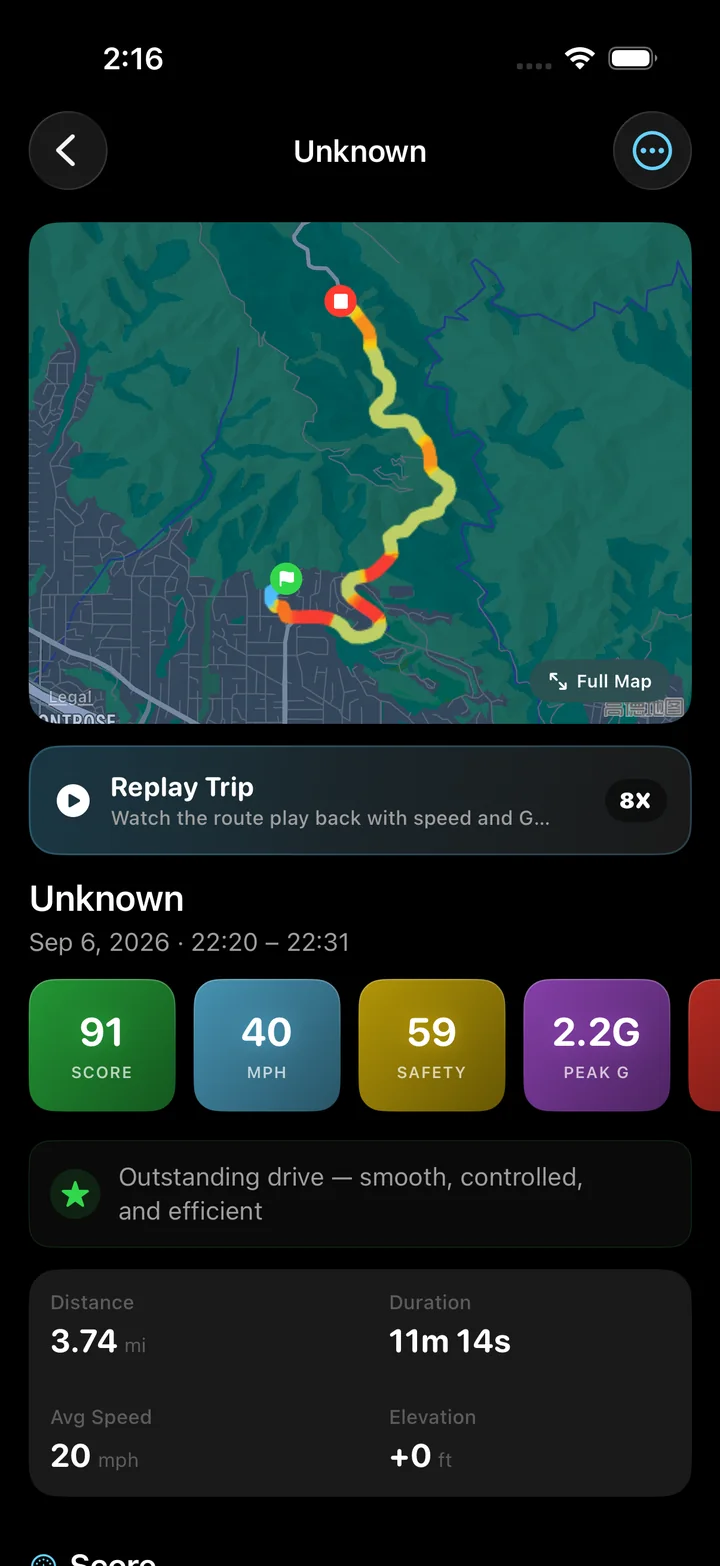
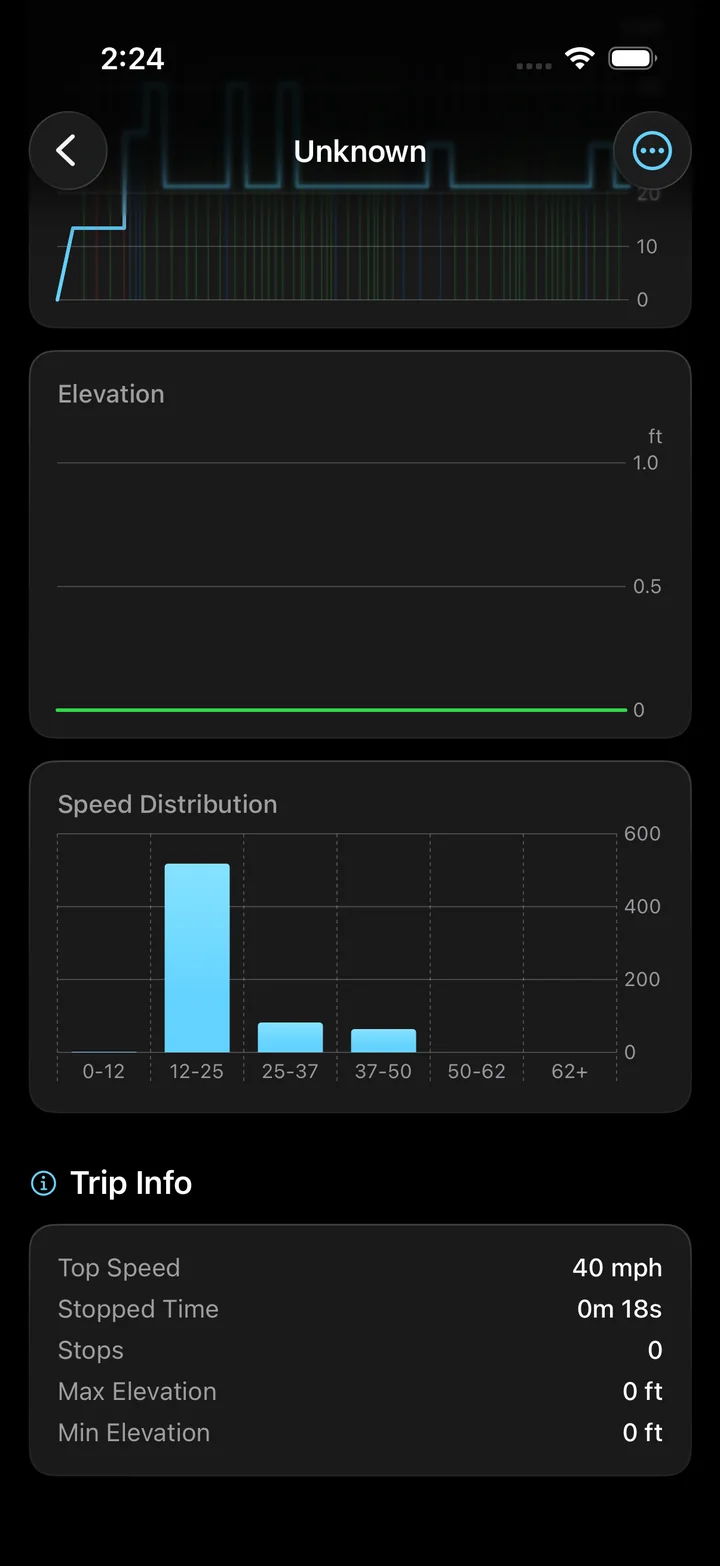
The Elevation figure in Torq's trip summary, shown with a plus sign, is elevation gain. Max Elevation and Min Elevation appear separately in the trip information. The elevation chart shows the profile across the recorded journey, so the total and the route's shape stay together.
Start recording where you want the trip to begin and finish when that journey ends. Two recordings of the same road can include different climbs if one starts farther downhill or takes an extra loop. Check those boundaries before comparing their totals.
Return to the saved route and its charts to put the climb total beside the journey. Review the trip's elevation chart
Why adding every upward flicker gives a poor total
Height measurements contain noise. If every tiny upward change counted as climbing while downward changes were ignored, a flat section could accumulate gain. A trip recorder needs a way to distinguish a meaningful change from that back-and-forth movement.
Torq prefers barometer data for accumulated ascent when available. Its calculation ignores changes within a small dead band around a reference height, then updates the reference as it accepts larger rises or falls. If barometer data is unavailable, it calculates gain from filtered GPS altitude with a wider dead band. These rules make the result an estimate of recorded ascent, not a count of every fluctuation.
Another app may use different thresholds, sampling or a map-based elevation model. A different total does not by itself mean that one app found an extra hill. Compare the recording boundaries and method as well as the number.
Questions
Is elevation gain the same as total ascent?
When used to describe accumulated uphill travel, yes. Check the app's definition, because a field labeled only Elevation can mean current height, maximum height or a climb total. Torq's trip-summary Elevation figure is accumulated gain.
Can elevation gain exceed the highest altitude?
Yes. Repeated climbs can add to more than the height of the highest point. Gain measures accumulated upward travel; the highest altitude measures one point relative to a height reference.
Does downhill driving cancel elevation gain?
No. A descent changes your current altitude and prepares the route for another possible climb. It does not erase the uphill sections already included in the total.
See what the hills added to your trip.
Use Torq to record the drive, then open the elevation chart and climb total after parking. Keep the route, speed and ascent together for the next time you compare journeys.