
MPH to KMH converter
Convert miles per hour to kilometers per hour, or switch direction to convert km/h to mph. Enter a speed and choose its unit to get the equivalent value.
Loading calculator.
MPH to KMH: multiply by 1.609344
One mile per hour equals exactly 1.609344 kilometers per hour. Multiply an mph value by that factor to get km/h. For the reverse conversion, divide the km/h value by 1.609344. The tool displays up to two decimal places.
For example, 60 mph converts to 96.56064 km/h, displayed here as 96.56 km/h. Starting with 100 km/h gives approximately 62.14 mph. The numerical result changes because a mile is longer than a kilometer; the physical speed stays the same.
The labels kmh, kph and km/h are commonly used for kilometers per hour. This page uses km/h in results and tables. Select the direction before calculating so a number copied from a dashboard or a trip record is interpreted in its original unit.
Common mph to km/h conversions
Use this chart for a quick reference, then enter a specific value in the converter when you need another speed. These are unit conversions, not recommended speeds or local road limits.
| Miles per hour | Kilometers per hour |
|---|---|
| 20 mph | 32.19 km/h |
| 30 mph | 48.28 km/h |
| 40 mph | 64.37 km/h |
| 50 mph | 80.47 km/h |
| 60 mph | 96.56 km/h |
| 70 mph | 112.65 km/h |
Multiplying mph by 1.6 is a useful rough estimate. It puts 50 mph at about 80 km/h, compared with the exact conversion of 80.4672 km/h. Use the full factor when preparing a table or comparing exported numbers, especially when several conversions build on one another.
Round the answer, keep the original measurement
Round after conversion when you can. Rounding both the original number and the result can hide small differences between records. A value displayed as 60 mph may already have been rounded by the device that produced it.
More decimal places do not make a GPS measurement more accurate. The conversion factor is exact, but the speed entered may contain sensor uncertainty, display rounding or filtering. Keep those separate when checking whether two speed displays agree.
If two records use different units, convert one of them before comparing. If they still disagree, look at the same moment in the journey and check whether each value is instantaneous, average or maximum speed. Unit conversion alone cannot turn an average into a live reading.
For a table of whole-number speeds, choose a consistent rounding rule and label the column. Mixing mph and km/h without visible units makes a normal change of scale look like a sudden change in pace.
Choose your speed unit in Torq
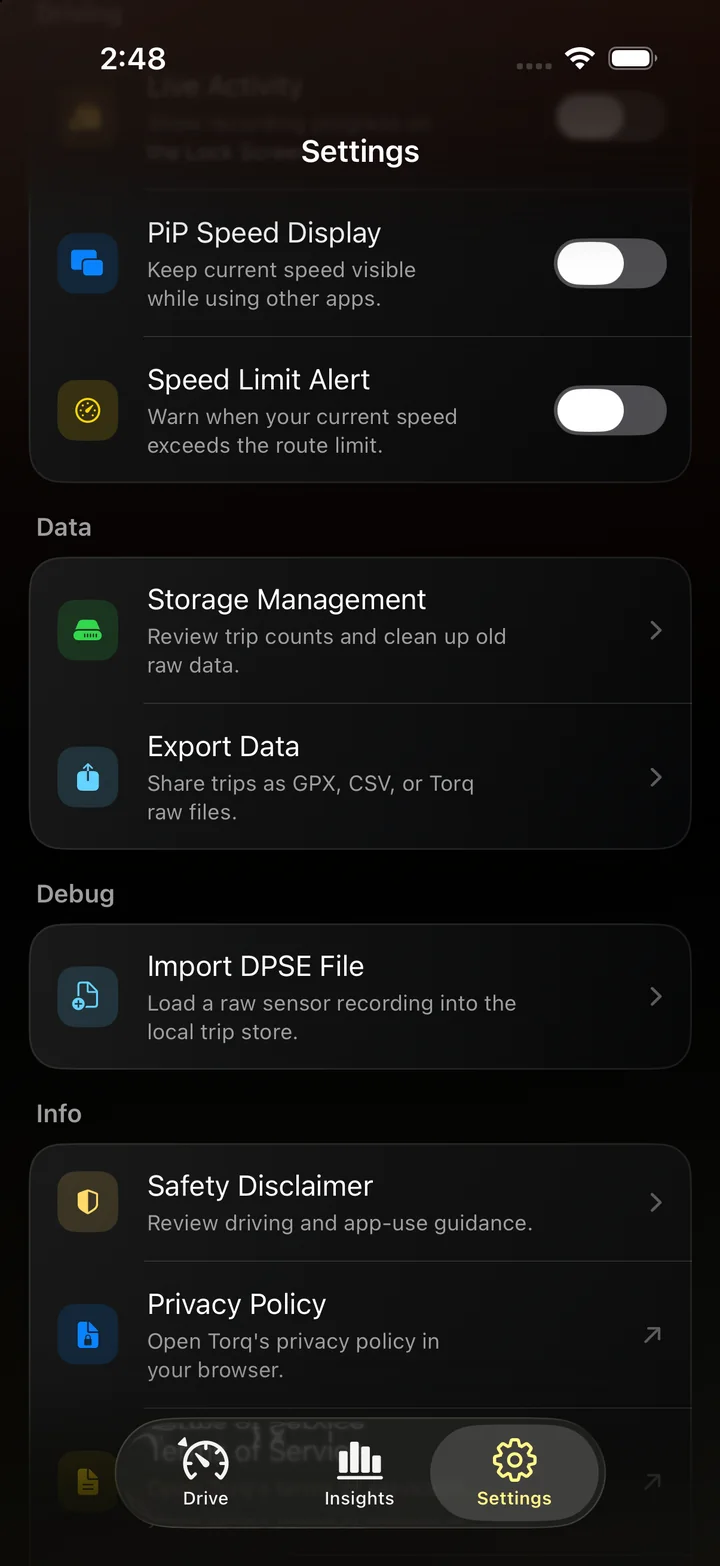
Torq supports mph and km/h. Select the unit in Settings so your iPhone speed display uses the scale you want for the trip.
Keep the converter for numbers from another source, then use Torq to record your own journey. Review your speed on the chart and replay the route to see where it changed.
Use the selected unit for a live speed reading and the drive you record next. GPS speedometer for iPhone
Where the conversion factor comes from
NIST's Guide for the Use of the International System of Units lists the international mile as 1,609.344 meters. Dividing by 1,000 gives the kilometer factor used here. Both speed units use the same hour, so no further time conversion is needed.
Questions
How many km/h is 60 mph?
60 mph is 96.56064 km/h, or 96.56 km/h rounded to two decimal places.
Is 100 km/h the same as 60 mph?
No. 100 km/h is about 62.14 mph. A speed of 60 mph is about 96.56 km/h.
Can I use this converter for average speed?
Yes. An average or maximum speed can be converted using the same factor as an instantaneous speed. Its meaning stays unchanged: an average in mph becomes an average in km/h.
Put your preferred unit on the dashboard
Get Torq for iPhone, choose mph or km/h, and start recording. Bring the speed display, route and trip history along on your next drive.