
Average speed calculator
Enter your distance and total time to calculate average speed in mph or km/h. Add the minutes you stopped to see how much the time basis changes the result.
Loading calculator.
How to calculate average speed
Divide the total distance by the total time, expressed in hours. A 100 km trip completed in 1 hour 30 minutes averages 66.67 km/h. The calculator starts with that example; replace the inputs with your own journey.
Select miles to return mph, or kilometers to return km/h. For a ninety-minute trip, enter 1 in hours and 30 in minutes. Writing 1.30 in the hours field would mean seventy-eight minutes and produce a different answer.
- Use the distance for the entire section you want to measure.
- Enter the elapsed time from the start of that section to its finish.
- If that elapsed time includes stops, enter their combined duration in stopped minutes. Use zero when you have no stops to remove.
- Calculate to compare the trip average with the average excluding the time you entered as stopped.
The form accepts zero distance and requires a duration greater than zero. Stopped time must fit inside that duration. When every minute is stopped and the distance is zero, the trip average is zero, with no time left for an average excluding stops.
If speed is your starting assumption and time is the unknown, work out the duration of the planned drive. Driving time calculator with stops
Stops change the denominator
Removing stops raises the average for a trip with positive distance because the same distance is divided by less time. It does not change how far you traveled or reveal your highest speed.
| Illustrative 100 km trip | Time used | Average |
|---|---|---|
| From departure to arrival | 90 minutes | 66.67 km/h |
| Excluding a 15-minute stop | 75 minutes | 80 km/h |
| Excluding a 30-minute stop | 60 minutes | 100 km/h |
Only subtract stops that are already included in the total duration. If your source reports moving time, enter that time and leave stopped minutes at zero. Subtracting the breaks again would inflate the result.
The calculator cannot identify traffic lights, rest breaks or stationary GPS samples. Its second answer uses the stop time you supply. A tracker that detects motion automatically may use a different rule for when a stop begins, so compare the underlying time totals before comparing averages.
Why averaging two speeds can give the wrong answer
Two speed readings deserve equal weight only when you spend equal time at each speed. For equal distances, the slower section lasts longer and has more influence on the trip average.
Consider an arithmetic example: travel 50 km at 50 km/h, then another 50 km at 100 km/h. The first leg takes one hour and the second takes half an hour. The combined result is 100 km divided by 1.5 hours, or 66.67 km/h. Adding the speeds and dividing by two would incorrectly give 75 km/h.
For a journey with several legs, add their distances and durations first. That method also handles different stop lengths without pretending each leg contributed the same amount of travel time.
Record the numbers behind your next average
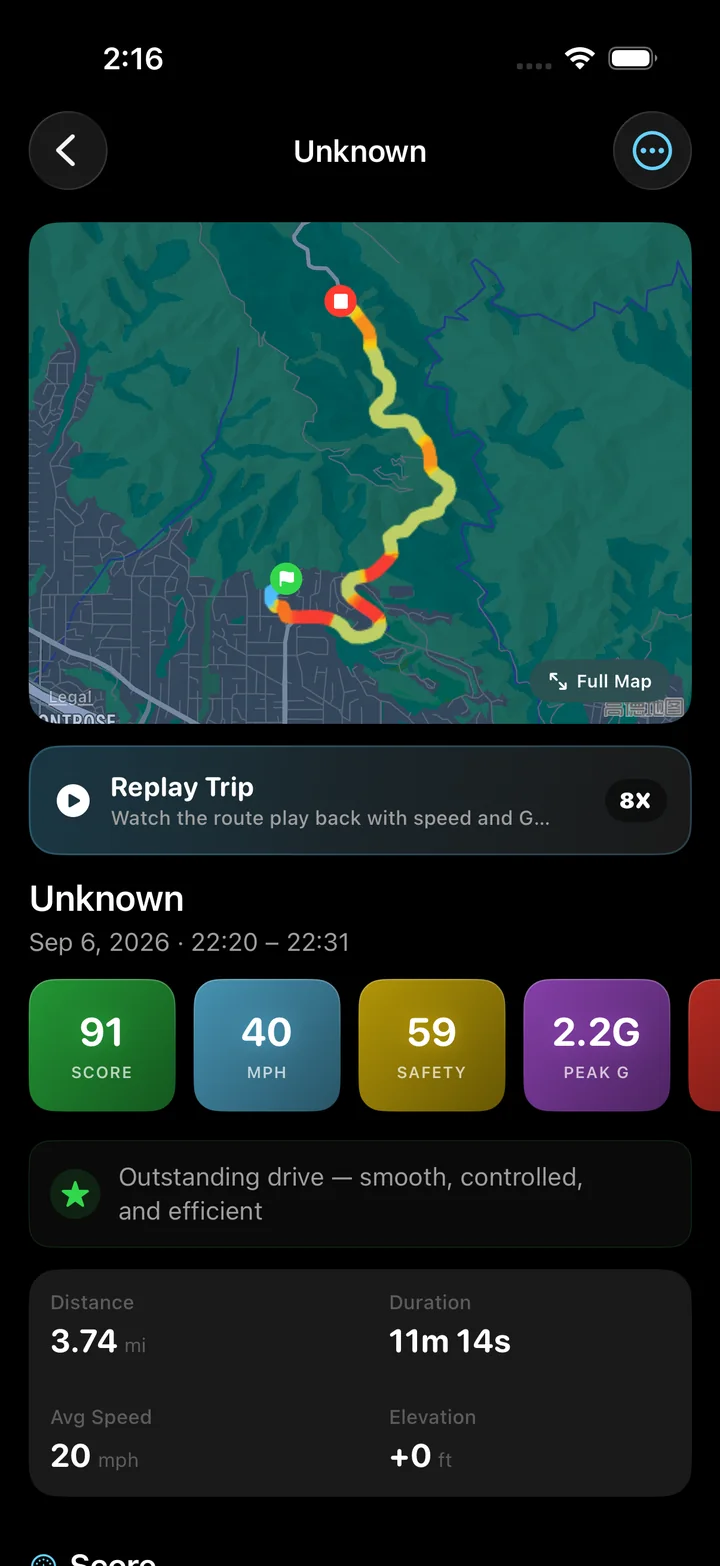
Torq records your iPhone trip so you can review distance, duration and average speed beside the speed chart. A single average describes the trip; the chart shows how that pace changed along the way.
Torq divides distance by active recording time, excluding manual pauses. It does not automatically subtract every moment spent stationary. Keep that basis in mind when comparing its result with a departure-to-arrival calculation here.
Keep the next trip's distance and duration together so the calculation starts from the same journey. Record distance with a GPS odometer
Formula reference
OpenStax explains average speed as total distance divided by elapsed time. The stop-time comparison above applies that same relationship to a second, explicitly chosen duration.
Questions
Can I calculate average speed in miles per hour?
Yes. Choose miles, enter your distance and duration, and the result is mph. The calculation uses the same time conversion as the kilometer option.
Is trip average the same as maximum speed?
No. Average speed combines distance and time over a section. Maximum speed is a peak within it; this calculator cannot recover that peak from trip totals.
Why does my GPS app show a different average?
Check the recorded distance, included pauses and start and finish times. Apps can define their time basis differently, and a GPS distance can differ from the distance you entered manually.
Give your next drive a record
Download Torq to keep the route, distance and speed history together. Review the trip average, then open the chart to see what happened between departure and arrival.