
GPX speed viewer
Open a GPX track to see its calculated speed or elevation profile. Your file stays in this browser, with point data ready to download when you want a closer look.
Loading file tools.
- Points
- Distance
- Calculated peak
View speed from a GPX track
Choose a GPX file, then select the speed or elevation profile. The viewer plots values against distance and reports the point count, estimated distance and calculated peak speed. Files up to 5 MB and 50,000 points are supported.
- Open a GPX track or route saved on your device.
- Read the file summary, including any missing-data warnings.
- Switch between calculated speed and elevation to inspect the shape of the recording.
- Download CSV for the complete point series, including values too closely spaced to separate on the chart.
The plot shows a profile, rather than a street map. Long tracks use a reduced set of plotted points to keep the chart responsive. The downloadable CSV retains every accepted point, so a narrow spike that is hard to see still has a row you can inspect.
File processing happens locally in the page. There is no route upload or map service request from this tool. Clear file removes the loaded results from the page; any CSV you already downloaded remains on your device.
How the viewer calculates speed
Speed is estimated from the geographic distance and elapsed time between consecutive points in the same segment. It is an interval average, placed at the later point, rather than the recording device's original instantaneous speed.
Distances use a spherical calculation from latitude and longitude. They follow straight connections between recorded positions, not the bends of a road between samples. Sparse points can cut across corners, while position noise can add apparent movement.
The viewer calculates speeds only for increasing timestamps no more than 60 seconds apart. It leaves the start of each segment, missing timestamps, repeated times and longer gaps without a speed value. Distances within a segment still contribute to the distance estimate, including sections that have no usable time interval.
Existing speed fields and device-specific extensions are not used in the calculation. That keeps the displayed method consistent across files, but it also means the calculated peak can differ from a recorder's own filtered peak. A sudden spike is a reason to inspect the nearby points and times.
What happens when a file has missing data
Missing timestamps prevent a speed calculation; they do not prevent the viewer from reading coordinates. Elevation is available only where the file supplies it. The tool reports missing values instead of replacing them with a zero that looks measured.
| File content | What you can inspect |
|---|---|
| Coordinates and increasing timestamps | Calculated speed over valid intervals |
| Coordinates and elevation | Elevation profile, even without timestamps |
| Separate track segments | Separate profile sections, with no connecting speed |
| A planned route without times | Point count and distance, plus elevation when present |
GPX 1.0 and 1.1 tracks and routes are accepted. A file containing only standalone waypoints has no track or route for this viewer to analyze. The GPX schema makes point time and elevation optional, so their absence does not necessarily mean the file is damaged.
A plotted elevation spike can come from the recorded samples. Compare the height source before treating it as a climb. Investigate an unexpected GPS height
Start the next record with Torq
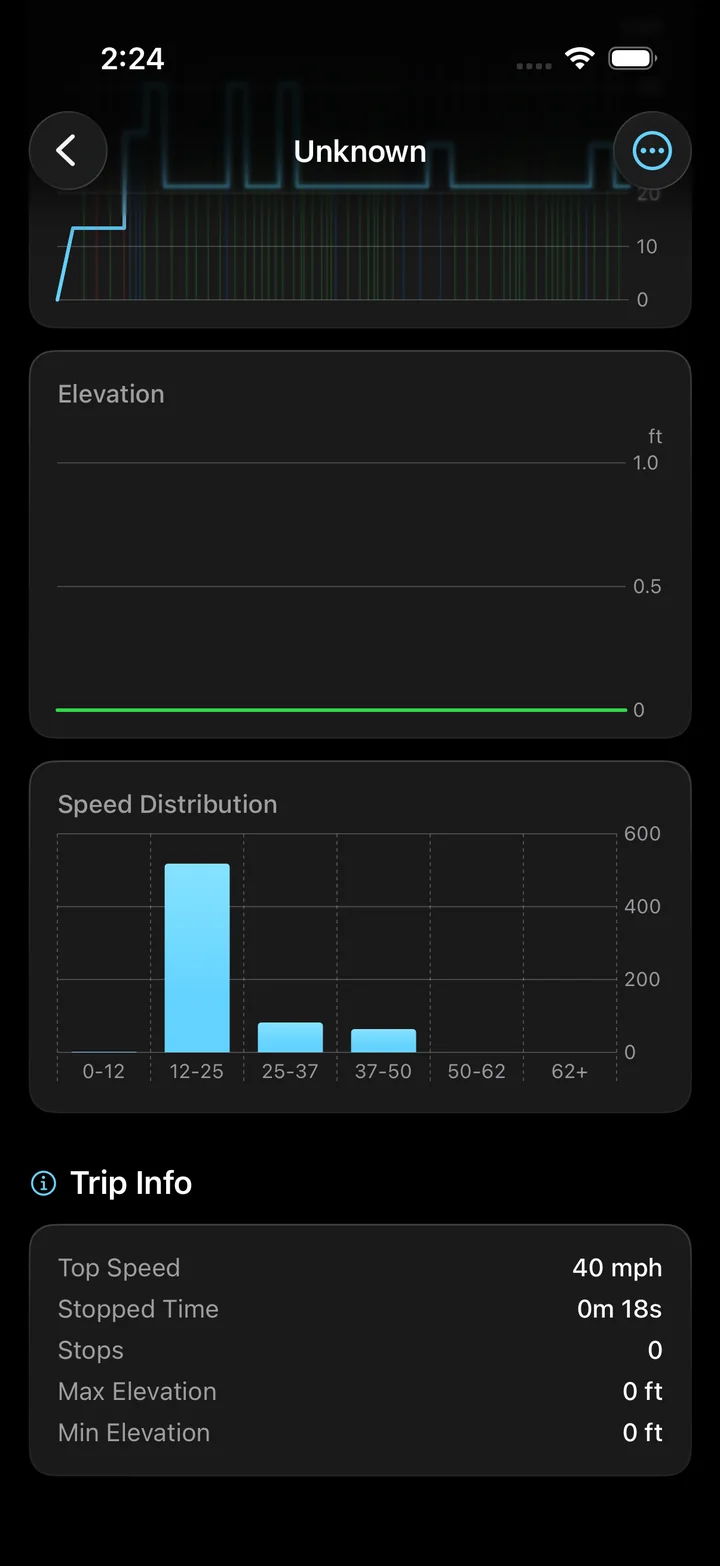
Torq records trips on iPhone and exports GPX. Keep the native recording in the app to review its route, replay and charts, then use a GPX copy when you want to examine the exported point series.
This browser viewer is a companion for existing files. Its calculated speeds use the method described above; Torq's native trip analysis uses its own recorded data and processing.
Capture the next route on your iPhone and choose the file format for your follow-up analysis. Record and export a GPX track
File format reference
Topografix documents the GPX coordinate, time, elevation and segment structure. The viewer uses those fields while leaving device extensions out of its speed estimate.
Questions
Why does my GPX file show no speed?
It may lack timestamps, contain only one point per segment, or have intervals outside the viewer's accepted timing range. Check the warnings. Distance and available elevation can still be inspected.
Does the GPX viewer upload my location history?
No. It reads the file in your browser and creates the chart and CSV there. Selecting a GPX file does not upload its content.
Can I import the GPX into the Torq app?
Torq imports its own .dpse trip files. This web tool opens GPX for inspection; it does not add GPX import to the iPhone app.
Make the next journey worth replaying
Record it with Torq. Keep the route and speed history on your iPhone, then export the trip when you want to work with its data elsewhere.