
A speed limit alert that tells you where the limit came from.
Torq looks up the posted limit of the road you are on as you drive, shows it in a sign beside the speedometer, and warns when your speed passes it. Exact limits and inferred ones are labeled differently, and a manual limit covers roads the map does not know.
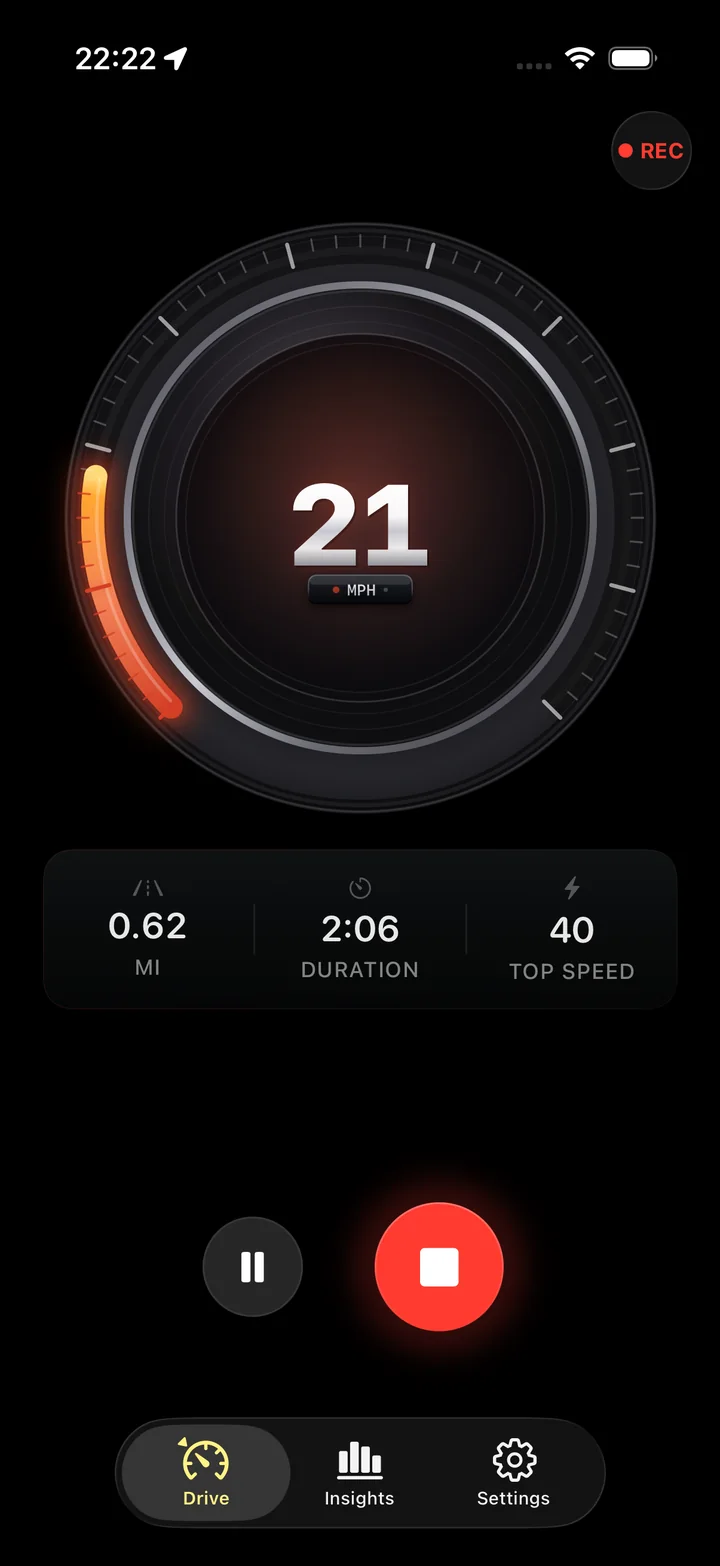
Three kinds of limit, labeled differently
The sign beside the gauge says which one you are looking at.
Exact limit
The road has a maxspeed tag in OpenStreetMap, contributed by someone who read the sign. This is the reliable case, and it covers most streets in cities and most major routes in well-mapped countries.
Inferred limit
The road has no tag, so Torq falls back to a typical limit for its type: a residential street, a motorway, a trunk road. It is labeled as inferred so you know it is a guess about the class of road, not the sign on it.
Manual override
A number you type into settings, in your current units. While it is set, Torq ignores the map and warns against that limit alone. Clear it to go back to the lookup.
One small request, only while the alert is on.
With the alert on, Torq queries the OpenStreetMap Overpass API for the roads near the current position, at most once every 30 seconds or 500 meters. The nearest road's maxspeed tag becomes the limit and its name appears with it. The result is cached until the car has moved far enough to be on a different road.
The request carries coordinates and nothing else: no account, no identifier, no history of where you have been. When the alert is off, no request is made at all.
- Needs a data connection; without one the limit shows as unknown and the gauge continues.
- Warns with a haptic buzz on the phone the moment you cross the limit, not an alarm sound.
- Compares the filtered GPS speed, so a satellite glitch cannot trigger it.
- Fires a moment after a car's dial would suggest, because dials read high and GPS does not.
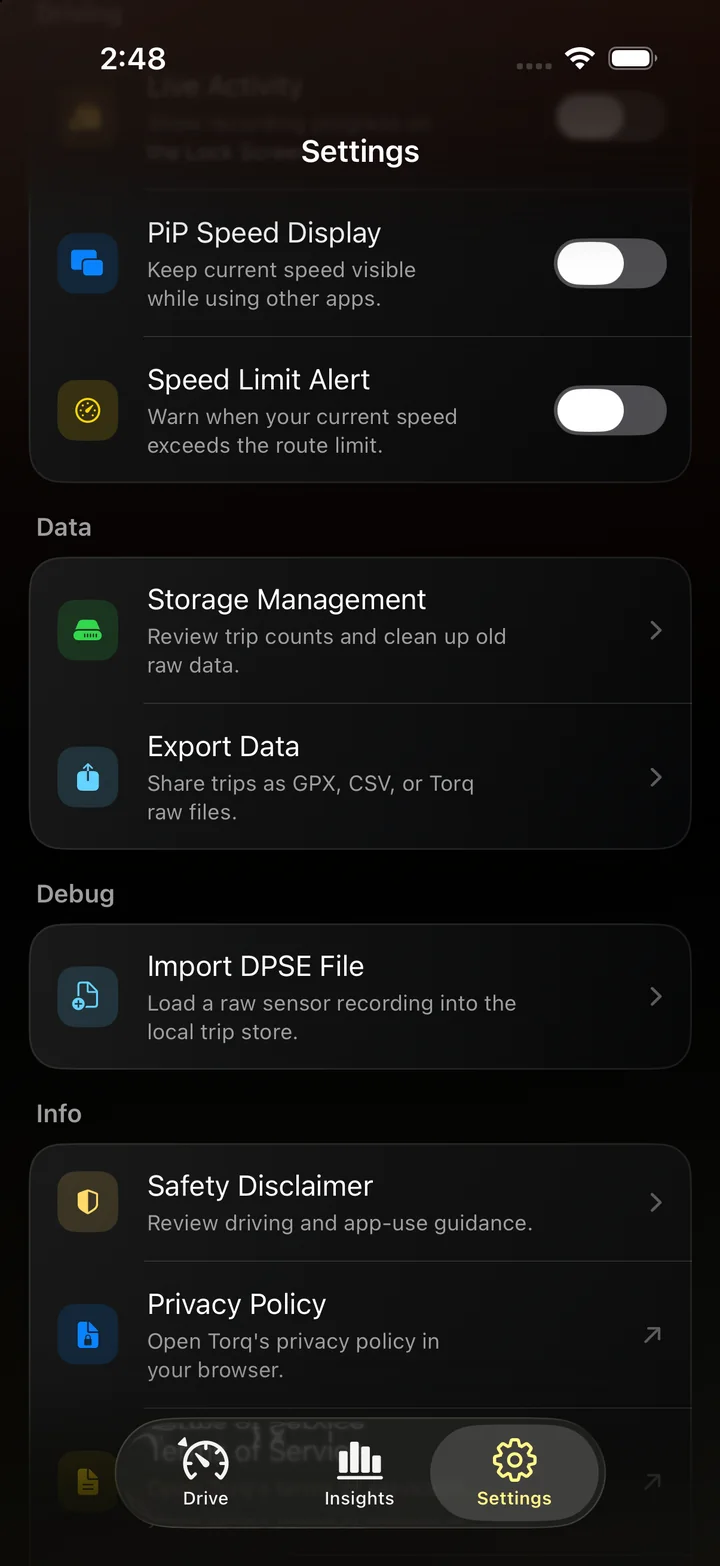
Where the map data is thin
OpenStreetMap's speed-limit coverage depends on volunteers. Germany, the Netherlands and the United Kingdom are close to complete on major roads; rural roads in North America are often untagged, and some regions have limits only on highways. On an untagged road you get the inferred limit or an unknown, and on a road whose limit changed recently the tag may lag the sign. If a road you drive is wrong, the fix is to edit OpenStreetMap, which improves it for everyone.
What the alert is not
It is not a speed-camera warning, it has no radar or laser detection, and it does not know about temporary limits, variable-message signs or school zones with time-based limits. It is the posted limit from a map, next to your speed. The signs on the road are the authority.
Questions
Where does the speed limit come from?
From OpenStreetMap. While the alert is on, Torq sends the current coordinates to the Overpass API at most once every 30 seconds or 500 meters and reads the maxspeed tag of the nearest road. If the road has no tag, Torq infers a typical limit from the road type and marks it as inferred.
Why does the limit show as unknown?
Either there is no data connection, or the road has no maxspeed tag and no road type Torq can infer from. When the limit is unknown, the gauge still works and nothing is alerted. You can set a manual limit for a road the map does not know.
Can I set my own speed limit?
Yes. The Manual Override field in settings sets a fixed limit in your current units, and the alert compares against that instead of the map. It suits a road you know the map has wrong, a rental with a sticker limit, or a private site.
Will it warn me about speed cameras?
No. Torq has no camera database and no radar detection. The alert compares your GPS speed to the posted limit of the road, nothing else.
Is the alert reliable enough to rely on?
It is informational. Map data can be outdated, the nearest road at an interchange can be the wrong one, and GPS speed has its own small error. Treat it as a reminder and treat the signs on the road as the limit.
Does the lookup send my location somewhere?
Yes, and the privacy policy says so. When the speed-limit feature is on, coordinates go to the OpenStreetMap Overpass API to find the road; nothing else about you goes with them. Turn the alert off and no lookup is made.
The limit, next to your speed.
Turn on the alert, and the posted limit of the road you are on sits beside the gauge, with a warning when you pass it.