
What counts as harsh braking?
Harsh braking is a rapid reduction in speed that crosses a system's detection threshold. Torq counts qualifying GPS decelerations above 3.5 m/s² and keeps that count with the drive. The number identifies a change worth reviewing; the route and circumstances explain what happened.
On this page
The speed drop matters, and so does the time
Losing the same amount of speed over a shorter interval produces a larger deceleration. That is why a sharp slowdown and a gradual approach can finish at the same speed but be counted differently. The detector measures the rate of change, not simply whether you slowed down.
| Illustrative speed change | Average deceleration | Compared with Torq's threshold |
|---|---|---|
| 60 to 45 km/h over 1 second | About 4.17 m/s² | Above 3.5 m/s²; other detection checks still apply. |
| 60 to 45 km/h over 3 seconds | About 1.39 m/s² | Below the threshold. |
| A low speed held steady | No reduction in speed | Low speed alone is not a braking event. |
These are calculation examples, not test instructions or recorded results. Different telematics products use different thresholds and vehicle assumptions. Geotab, for example, documents different rules by vehicle class. Torq's number describes its own detector, not a universal boundary between acceptable and unacceptable driving.
What Torq actually counts
Torq compares the speeds and timestamps of neighboring samples in the filtered GPS recording. A qualifying interval must show deceleration greater than 3.5 m/s², with the earlier speed at least 6 km/h. The sample interval must be between 0.5 and 5 seconds. Very large changes are rejected as likely artifacts, and a short separation between counted samples limits repeated detections.
This is a count derived from location data. Torq does not read brake-pedal pressure, brake lights or the car's braking system. Engine braking or regenerative braking can also reduce speed. A long slowdown and a brief one may produce different samples, so the total is not a literal count of each time your foot touched the pedal.
Location quality matters too. A short event may fall between updates, while an inaccurate speed sample can affect the calculated change. Filtering reduces some obvious errors without making every event certain.
Give a braking count its road context
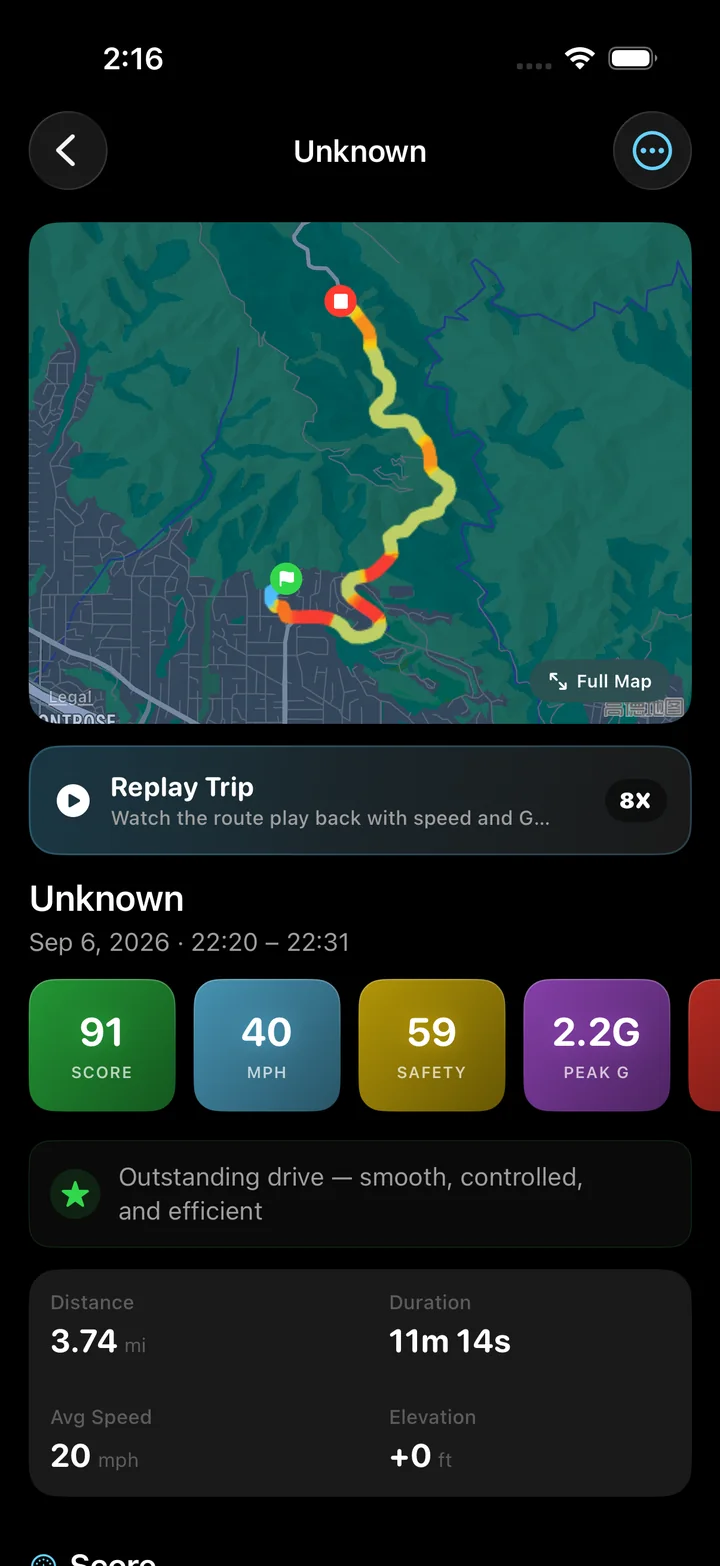
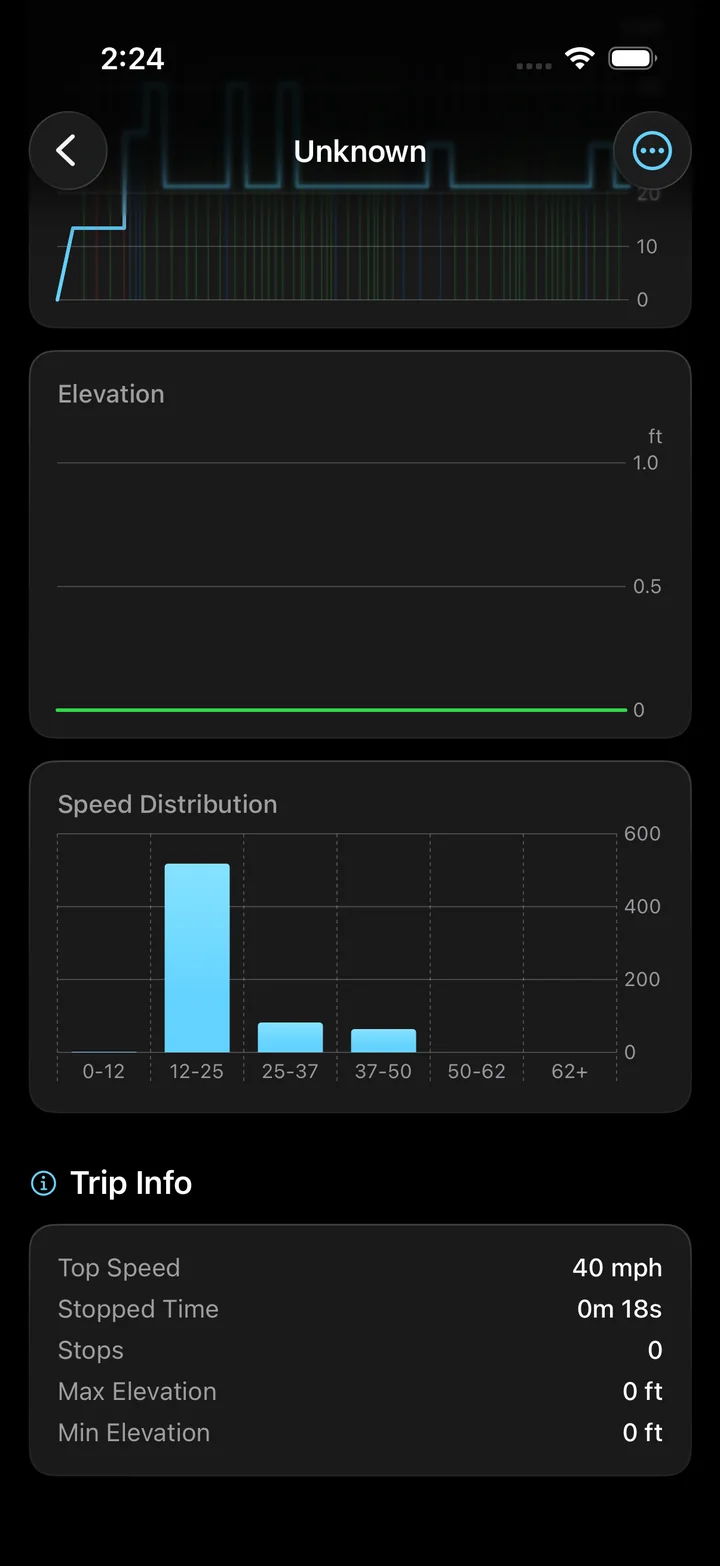
Open the saved trip to see Brake Events alongside the other vehicle-dynamics figures. Then inspect the speed chart and replay the relevant stretch of the route. The count gives you a reason to look closer; the chart helps you examine how speed changed through that part of the journey.
A sudden queue, an unexpected hazard and a routine junction approach are different situations, even if the measured slowdown is similar. Torq cannot see the surrounding traffic or decide why you braked. A necessary stop should not be treated as a mistake merely because it crossed a threshold.
Compare journeys that give the count meaning
A short city route with repeated junctions and a long open-road drive offer different opportunities to brake. Compare similar routes and traffic conditions when looking for a pattern in your recordings. A larger raw count on a longer journey does not establish worse driving.
Keep the event count separate from the overall driving score. The score combines several aspects of the recording, while this page explains one detected behavior. Torq's G-force page covers the wider set of lateral and longitudinal measurements.
- How the driving score combines its components
- Understanding the G-force measurements
- Apple: limitations of location-based speed
Place the braking count alongside the other measurements used to describe a drive. Read the components of your driving score
Questions
Are hard braking and harsh braking different?
They are often used for the same general behavior: a rapid slowdown. To compare event counts, check the system's numerical threshold and detection method rather than relying on the label alone.
Does a harsh braking event prove unsafe driving?
No. A threshold does not explain the traffic, visibility or hazard involved. Review the circumstances after the drive; the event count cannot decide whether braking was necessary.
Why might two apps count different brake events?
Their speed sources, sampling intervals, thresholds and filtering can differ. A count from one app is meaningful within that method, but may not be directly comparable with another app's total.
Keep the slowdown with the rest of the drive.
Start Torq before setting off, then review braking counts, speed charts and the recorded route after parking. See the journey behind the number.